Guide · Black Friday 2026
How to tell if a Black Friday deal is real
To tell if a Black Friday deal is real, check the item's price history: a deal is only real if the price is lower than it was in the weeks before the sale, not just lower than the "was" price on the tag. Save Genie keeps that history for every item you save, free on iPhone, iPad and Mac, so save what you want now and you'll know the real "before" price when the sales start.

Six tricks that make a price look better than it is
-
The price that went up first
A price goes up in October and comes back down in November. The tag says "save", but you pay what it cost a few weeks ago.
-
"Was" prices and RRPs nobody paid
The saving is measured from a "was" price or an RRP (the recommended retail price). That number isn't always a price the item really sold for, so a big "save $200" can be counted from a price hardly anyone paid.
-
Sale-only model numbers
Some products in big sales carry a slightly different model number from the everyday version, sometimes with different parts or features. A low price on one doesn't tell you about the other, and it makes the two hard to compare.
-
Bundles
A bundle adds things to the box (a case, a second controller, a gift card) and quotes one big saving. Price the main item on its own: if the bundle costs more than the item plus the extras you'd really buy, the saving isn't yours.
-
Countdown timers
A timer tells you when this sale ends, not whether the price is good. Prices keep moving after the timer runs out, and the same price can come back later in the season.
-
Member-only prices
The big price on the page may be for members, loyalty-card holders or subscribers only. Check which price you'll pay at the checkout, and whether joining costs anything.
How to check a deal
-
Check the price history in Save Genie
Save the item now, before the sales. Save Genie keeps a price history for every item you save and checks the price regularly, so by Black Friday the product page shows what it cost in the weeks before. Once Genie has seen enough prices, it also tells you whether today's price is low, typical or high. If the Black Friday price isn't lower than it was a few weeks ago, it isn't a deal. Late to it? If other Save Genie users already track the same item from the same store, its earlier prices can appear in your price history when you open it, so it's worth saving even on the day.
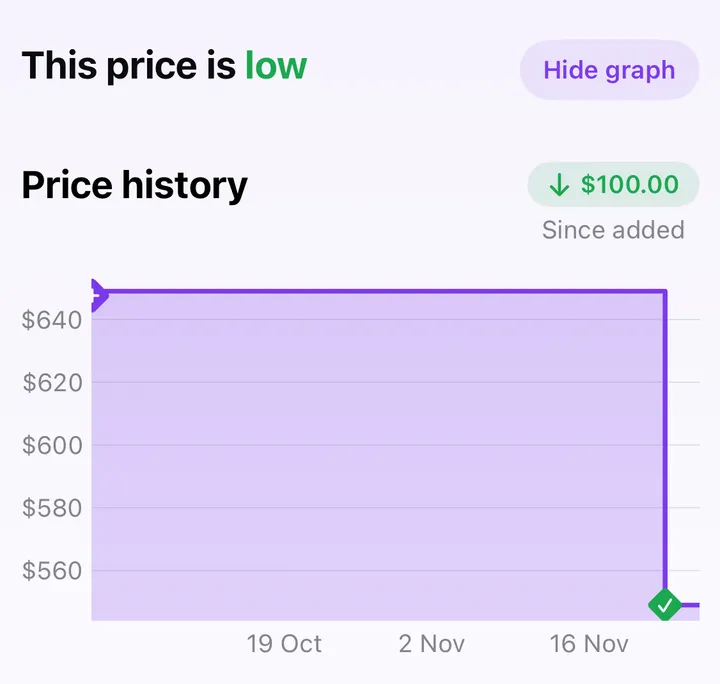
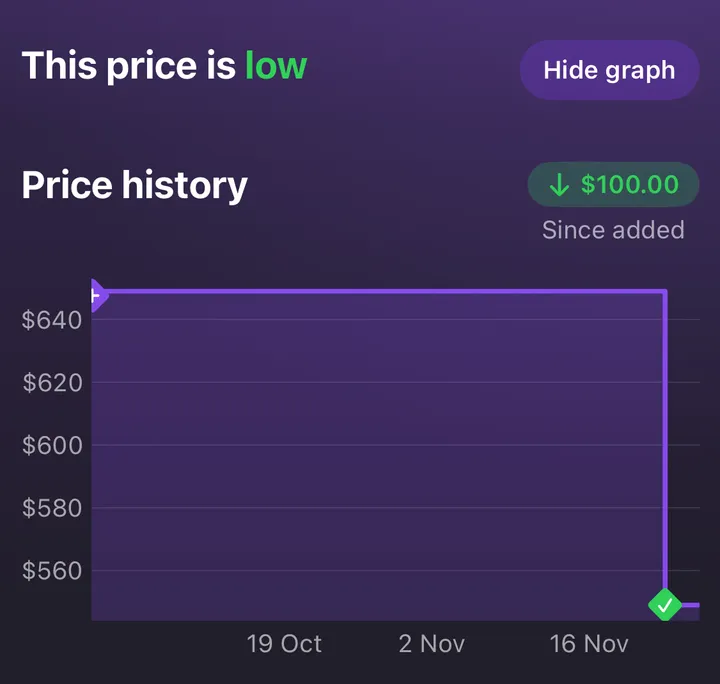
An example item made up for this guide. -
Look at the same item at another store
Where it can, Genie shows the same item at other stores. It matches on the barcode when there is one, so it's the same product, not a lookalike. On the free plan on iPhone and iPad, you may be asked to watch a short ad to reveal the other stores.
-
Match the exact model number
Before you compare two prices, check the model numbers match, letter for letter. A colour, a storage size or a sale-only version can change the number, and the price with it.
Start the history now
The sooner you save an item, the more history you'll have by Black Friday. Save Genie is free on iPhone, iPad and Mac.


What a real deal looks like
- The price is lower than it was in the weeks before the sale, not just lower than the "was" price on the tag.
- The same model isn't cheaper at another store you'd happily buy from.
- It's the price you'll pay: not for members only (unless you're a member), and still good once delivery is added.
- It's something you wanted before the sale. A great price on something you don't need is still money spent.
Not there yet? Leave the item in your list. Prices move again before Christmas, and Genie sends a notification when the price drops.
The dates
| Day | Date |
|---|---|
| Black Friday | Friday 27 November 2026 |
| Cyber Monday | Monday 30 November 2026 |
Plenty of shops start their "Black Friday" prices well before the Friday itself. To set up your list, collections and notifications, see how to track prices for Black Friday and Christmas.
Check before you buy
Free on iPhone, iPad and Mac: up to 15 items, and 3 new items a day.